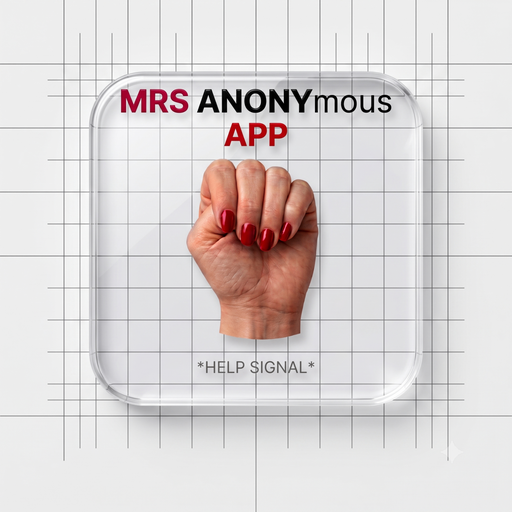
Download the MrsANONymous App
A discreet safety companion for your phone. Free. No app store. No account traces. 100% anonymous.
🕶️ Disguise Mode
Install the app so it shows up on your home screen as a plain Calculator — calculator icon, calculator name. Only you know what it really opens. Turn this on before you install.
🔢 Calculator Passcode Lock
When on, the app opens as a working calculator. To reveal the real app, type your chosen calculation (e.g. 7+3) and press =. Wrong entries just show a normal calculator result — no error, no hint.
- First launch after turning it on: your first
calc =becomes the passcode. - To turn it off from inside the calculator, double-tap the display.
- You can always turn it back on here.
📱 iPhone / iPad (iOS)
- Open mrsanonymous.org in Safari (not Chrome).
- Tap the Share button ⬆️ at the bottom.
- Scroll and tap “Add to Home Screen”.
- Tap Add. The MrsANON icon will appear on your home screen.
🤖 Android
- Open mrsanonymous.org in Chrome.
- Tap the ⋮ menu (top-right).
- Tap “Install app” or “Add to Home screen”.
- Confirm. The MrsANON icon will appear on your home screen.
Why install?
- 🚨 One-tap emergency access to 911, hotlines, and the Signal for Help.
- 🌐 Works in 17+ languages with auto-translation for 911 texts.
- 🔒 Quick Exit and history-clearing safety features built in.
- 📓 Your private notebooks — always with you, always anonymous.
- 📶 Opens instantly like a native app — no browser bar, no bookmarks needed.
Safety tip
You can rename the app icon on your home screen to something innocuous like “Notes” or “Weather” after installing, if you need extra discretion.